Rummy Safety Guide: Check Privacy Before Joining a Table
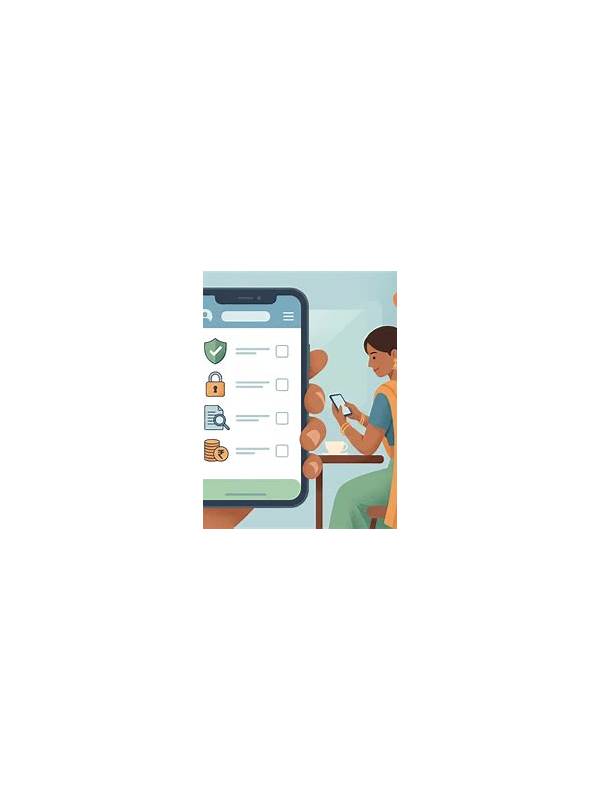
Before joining an online rummy table, take a moment to review the information the service requests and displays. A game may need an account identifier for normal play, but that does not mean every permission, profile field, or notification setting is necessary. A privacy check is a practical part of a safe session, alongside knowing the rules and setting a spending limit.
Begin with the account screen. Look for the public name other players can see, and choose a nickname that does not reveal your full name, workplace, address, or other identifying details. Avoid reusing a username that is connected to public social profiles if you prefer to keep gaming activity separate. A profile does not need to contain more information than the service requires to operate.
Review device permissions next. An ordinary card game may need network access, but requests for contacts, microphone, precise location, or photo storage deserve a clear explanation. If a permission is optional, leave it off unless you understand why you want the feature. On a phone, you can usually revisit permissions in system settings. Denying an unnecessary permission may disable a convenience feature while leaving basic play available.
Check notifications and messages. Turn off previews that display account balances, one-time links, or private messages on a lock screen. Use the service’s own reporting and blocking controls when a player sends unwanted content. Do not move a conversation to an unfamiliar payment page or share personal documents through a chat just because another player claims it is required to release a reward.
Connection habits matter too. Avoid signing in through links sent by strangers or through unofficial download pages. Confirm the address and application source before entering account information. Keep the device’s operating system and security updates current, and use a unique password where the service supports one. If an account offers multi-factor protection, enable it through the official settings rather than through a link in a message.
Finally, know what to do when something feels wrong. Stop the session, capture the relevant in-app details without sharing them publicly, and contact official support through a verified channel. Change the password if you suspect access by someone else, and review active sessions or recent sign-ins where available. Do not send passwords, authentication codes, or payment details to another player or to a supposed helper.
Privacy checks do not make an online table risk-free, and they cannot replace local laws or the service’s terms. They do create useful boundaries. Use the minimum profile information, limit permissions, protect notifications, and treat unexpected requests as untrusted until verified. A safer account leaves more attention for the game itself.