Rummy Safety: Verify App Permissions Before Installation
Before installing any rummy application, pause to verify where it came from and what access it requests. A game may need network access and notifications, but unrelated permissions can expose personal information or create unnecessary risk. Treat installation as a safety decision, not merely a way to start playing quickly.
Use an official store or a platform link you can independently verify. Be cautious with files shared through unsolicited messages, shortened links, or pages that imitate a known service. Check the publisher name, review history, update date, and support details. A familiar logo is not proof of authenticity, and a large number of downloads can be misleading.
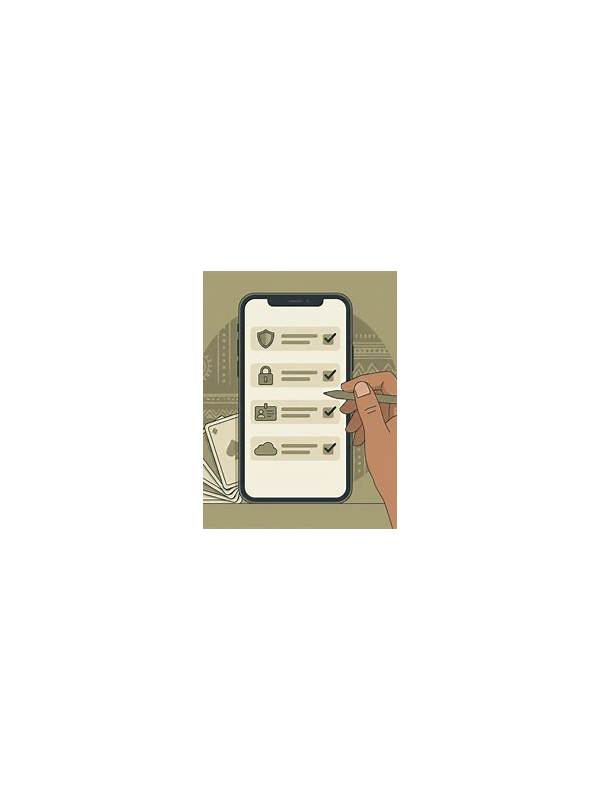
Read the permission list before accepting. Access to contacts, messages, microphone, camera, storage, or accessibility controls deserves a clear explanation. If a permission seems unrelated to the game’s ordinary function, decline it or stop the installation until you can confirm why it is required. On Android and other systems, review permissions again after updates because an app’s access can change.
Protect the account during setup. Use a unique password that you do not reuse elsewhere, enable available two-step verification, and avoid entering payment details until the service identity and terms are clear. Never provide one-time codes or passwords to someone claiming to be support through an unofficial chat. Official support should not need your secret credentials.
Keep the device maintained. Install operating-system updates, use a screen lock, and remove applications you no longer trust. If the app causes unusual pop-ups, battery drain, redirects, or login alerts, stop using it and investigate from a separate trusted device. Check the account’s active sessions and change the password if necessary.
A few minutes of verification can prevent a long recovery process. The goal is not to eliminate every technical risk; it is to reduce unnecessary exposure by choosing a trustworthy source, granting only sensible access, and protecting the account independently of the game’s promises.
Do not confuse a security warning with a challenge to find a workaround. If an operating system blocks an unknown installer or a browser flags a page, stop and verify the source through an independent route. Avoid disabling protective tools merely to complete a download. A legitimate service should provide a clear, safe installation path and an explanation of its identity.
Review the app’s privacy policy with the same care as its game features. Look for clear information about data collection, retention, and contact methods. If the policy is missing, contradictory, or impossible to understand, choose a different service. Convenience is not a reason to trade away control of personal data.