Rummy Safety: Prevent Notifications From Revealing Gameplay
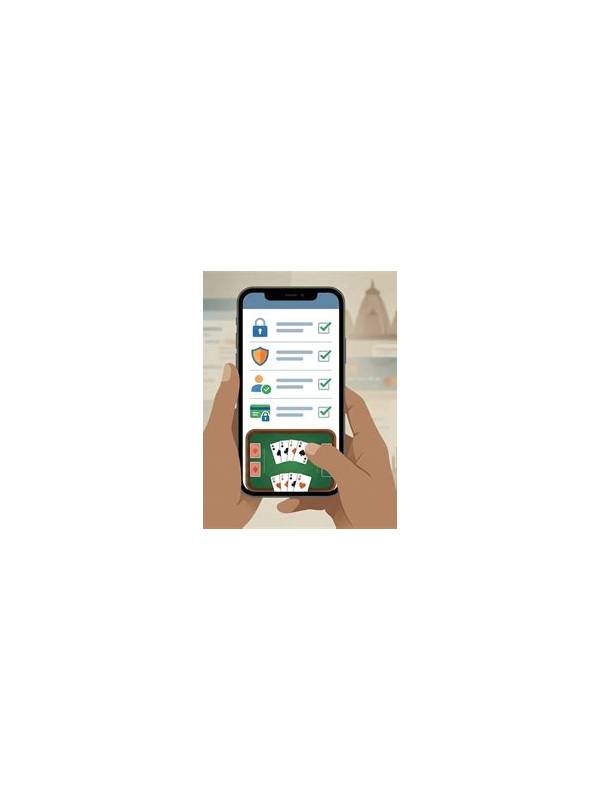
Review sound and vibration too. A distinctive alert can reveal account activity even when the screen is hidden, so test the full notification experience before a session.
Keep essential security alerts available through a trusted channel, but avoid displaying more content than necessary. Privacy settings should reduce exposure without causing you to miss an important account warning.
Review the setting again after reinstalling the app.
Notifications are convenient, but a visible banner can reveal more than a player intends. On a shared device, a lock screen, a screen recording, or a nearby conversation may expose table names, messages, balance information, or timing clues. A short notification review improves privacy before a rummy session.
Start with the operating system’s lock-screen settings. Choose whether notification content is shown when the device is locked. If other people can see the screen, hiding previews is usually safer than allowing full text. Check both the general setting and the individual app setting because one can override the other. Remember that a notification may still display an icon or sender even when its message is hidden.
Review in-app alerts next. Separate gameplay alerts from account, payment, and promotional messages if the app offers those categories. Disable nonessential promotional banners during a focused session. Keep security alerts enabled, but make sure they do not show sensitive details in a public preview. A sign-in warning is important; the account identifier displayed beside it may not be.
If you use a shared device, check notification history and recent app previews after the session. Some devices retain previews even after a banner disappears. Close the app and clear sensitive recent-screen thumbnails according to your device’s normal privacy controls. Do not rely on simply swiping a notification away if the information may remain in a history panel.
Screen sharing deserves its own check. Before joining a video call or recording a tutorial, confirm which window or screen is being shared. Turn off mirroring when entering account or payment areas. Avoid discussing a private table while notifications from another account are visible. Privacy is easier to protect before an alert appears than after it has been captured.
Finally, test the configuration with a harmless message or reminder. Lock the device and see exactly what a bystander would see. Repeat after changing the app’s settings. A notification review takes only a few minutes, but it keeps gameplay, account activity, and personal information in the correct context.