Rummy Safety: Keep Notifications From Exposing Private Table Details
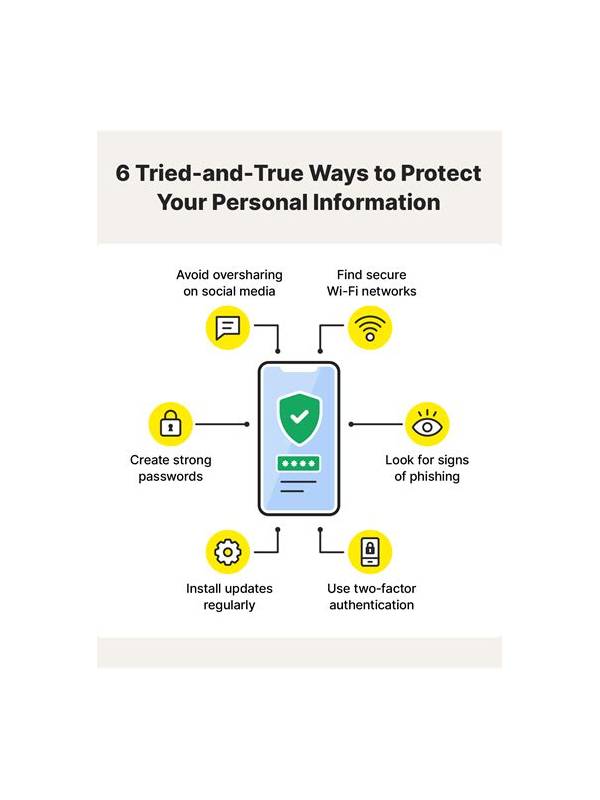
Notifications can reveal more than a message preview. They may show a display name, table activity, balance information, or a prompt that someone nearby can read. Before joining a private or paid session, review how notifications appear on your device and lock screen.
Start with previews. Set sensitive app notifications to hide their text when the device is locked, or disable lock-screen previews entirely if that suits your routine. Check banners and pop-ups as well as the notification center. A setting that hides content on the lock screen may still show it while the device is unlocked near other people.
Consider sound and connected devices. A voice assistant, smartwatch, car display, or desktop mirror may repeat notification content outside the screen you are watching. Turn off unnecessary mirroring during a session and avoid using public speakers for account alerts. Do not assume headphones protect information if the device still displays the message.
Screen sharing deserves a separate check. If you are recording a practice review, verify that account identifiers, payment screens, and private chat are not visible. Crop or blur sensitive areas before sharing a screenshot. Never post recovery codes, full payment details, or personal contact information to ask for help with a table issue.
Use a simple preplay routine: lock-screen preview off, unnecessary mirroring off, private chat reviewed, and recording status confirmed. The routine should take less than a minute. If an alert appears during play, read it privately before acting. Fraudsters often rely on urgency and public visibility to make people click quickly.
Privacy settings do not replace good judgment. Use official support routes for account questions and close the app when you finish. A quiet notification setup reduces distractions while also limiting the amount of table and account information exposed to people who happen to be nearby.
Review these settings again after an operating-system update, because notification defaults can change. Also check whether a family member or coworker can see previews on a shared computer. Privacy is easiest to maintain when the default display is already conservative.
Keep the routine short enough that you will actually use it before each session.
If you must share a device, sign out of accounts when finished and remove temporary screenshots from the gallery. These small habits reduce exposure after the table closes.