Rummy Safety: Confirm Logout on Shared Devices
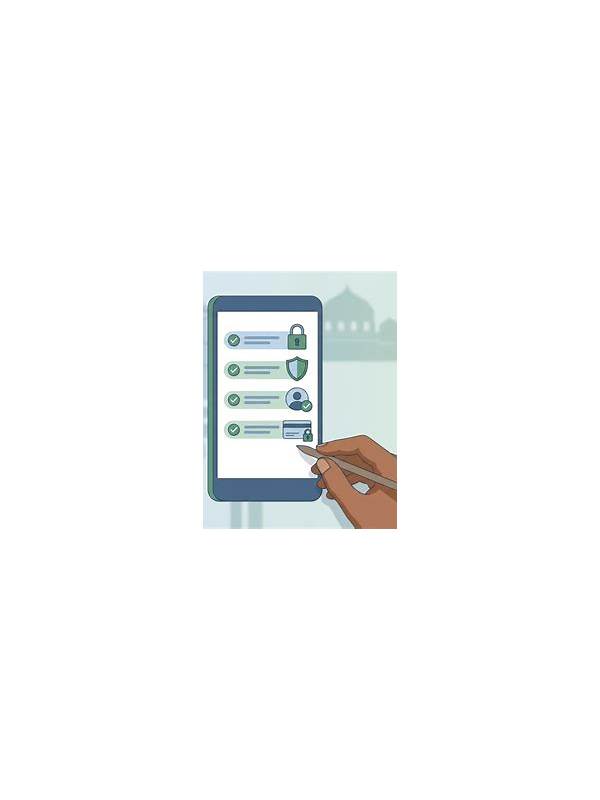
Playing on a shared phone, family computer, or borrowed tablet creates a privacy risk that has nothing to do with card strategy. An account may remain open, a notification may reveal activity, or a browser may remember a session. A short exit routine reduces these problems without requiring technical expertise.
Before opening a session on a shared device, decide whether the device has a separate user profile or guest mode. Use that option when available. Avoid saving passwords, payment details, or recovery information in a browser that other people can access. If the app offers a trusted-device setting, read its description carefully before enabling it.
When finished, leave the table normally and use the app’s sign-out control. Closing a window is not always the same as ending an account session. If the app has an account or security page, check whether it lists active sessions or remembered devices. Remove access that you do not recognize, and change your password through the official account settings if something looks wrong.
Check notifications and recent-app previews. A lock screen can show account messages or transaction alerts even after you sign out. Turn off sensitive previews on a shared device, or use your own device for account activity that involves personal information. Do not ask another person to store a code or screenshot for you.
Finally, clear only your own sign-in traces using the device’s normal privacy controls, and do not delete other users’ data. If you used a public computer, end the browser session and avoid making payments there. These steps are especially important when installing an app from outside an official store; verify the source before entering any credentials.
Security is a routine, not a one-time promise. Make logout, notification review, and device check part of the end of every shared-device session. If an account cannot provide a clear way to sign out or recover access, pause activity and consult its official support channel before continuing.
Never leave recovery email, phone details, or identity documents visible in a download folder on a shared machine. If you suspect someone accessed the account, act promptly from a trusted device and use only official support channels. Do not try unofficial recovery links offered by strangers.
If the device belongs to a workplace, library, or hotel, follow its usage policy and avoid installing extensions or unknown software. Report a suspicious login screen to the venue rather than continuing. Privacy habits protect both your account and the next person who uses the device.