Rummy Safety: Confirm a Support Link From Inside the App
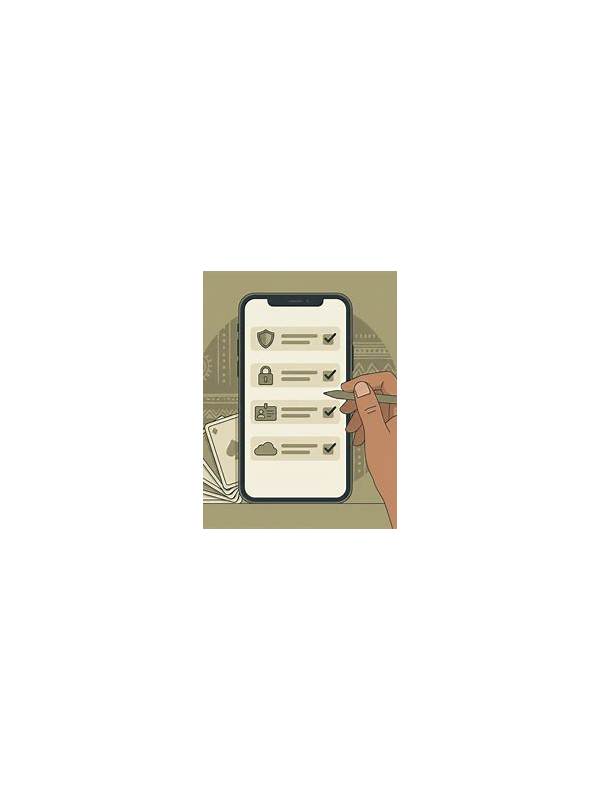
A message that appears to come from support can create urgency, especially when it mentions a locked account or a pending transaction. Before clicking a link or sharing information, confirm that the request can be reached through the app’s own support area. This simple pause reduces the chance of following an impersonation attempt.
Start by opening the app or official website through the route you normally use. Do not use the link in the unexpected message. Find the help, support, or account-security section and check whether the same notice appears there. A genuine issue should usually have a traceable path inside the service.
Inspect the request’s purpose. Support may need a description of a problem, but it should not require a password, one-time authentication code, or complete payment credentials in a chat message. Never paste sensitive secrets into a support form unless the service’s documented process explicitly handles them through a protected field.
Look for pressure signals. Requests that demand immediate action, threaten account closure, or ask you to move the conversation to an unfamiliar channel deserve extra caution. Spelling and branding can be copied, so a polished appearance is not proof of authenticity.
If the app offers a ticket number, enter it only in the verified support area. Check the domain and connection before signing in, and avoid installing an unknown file proposed as a fix. When possible, use the service’s published contact route rather than replying to the original message.
Keep a neutral record of dates and the nature of the issue, but do not store passwords, codes, full card numbers, or identity documents in ordinary notes. If you already opened a suspicious page, close it, avoid entering further information, and use the trusted account-security path to change credentials if needed.
Security is part of a good session routine. A short verification step protects both the account and the clarity needed for play. When a support request cannot be confirmed independently, pause and seek an official channel before doing anything irreversible.
If you need to report the message, preserve only safe evidence such as the sender name, general time, and non-sensitive wording. Do not forward private codes or documents. Official support can usually investigate from those details. Treating verification as a normal account habit makes it easier to resist urgency when a message arrives during a busy session.
If the request concerns money, stop before approving any transfer or fee. Check the service’s published terms and transaction history from inside the verified account. A support conversation should clarify a problem, not pressure you into an untraceable payment.