Rummy Safety: Set a Device Check Before Login
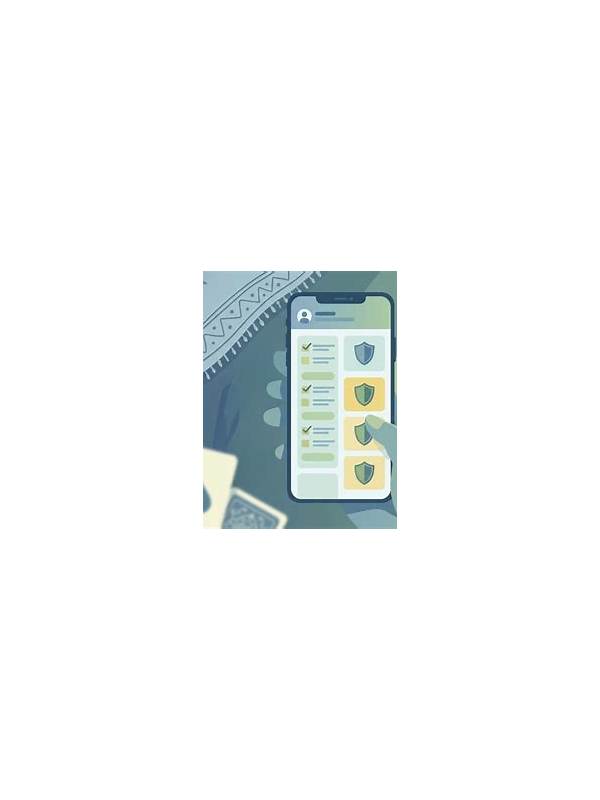
A safe rummy session begins before the first table appears. Phones and computers may be shared, low on battery, connected to an unfamiliar network, or displaying a misleading prompt. A repeatable device check takes only a minute and helps separate ordinary play from preventable security and reliability problems.
First inspect the device itself. Confirm that the screen is private enough for the activity, the operating system is not showing an urgent update prompt, and no one else is controlling the device. If it is shared, use the correct user profile and avoid saving login details where another person can access them. Lock the screen whenever you step away.
Check the connection next. Prefer a trusted network and confirm that the connection is stable enough for a timed table. Public networks can expose traffic or redirect users to suspicious sign-in pages. If the app behaves strangely after joining a network, stop and investigate rather than repeatedly entering account information.
Open the application from a known icon or official installation source. Do not follow a surprising link in a message just because it uses familiar branding. Check the app name and update history where available. If a prompt asks for an unusual permission, payment detail, or verification code, pause and verify it through the platform’s normal support path.
Review practical conditions as well. A nearly empty battery, a hot device, or too many background applications can cause interruptions. Turn off distracting notifications and make sure the time available is long enough to finish or exit cleanly. These steps are not only about convenience: rushing during a technical problem can lead to mistakes and repeated actions.
Never share passwords, one-time codes, or recovery details in table chat. Support staff should not need a private code sent to your phone. If you suspect a fake message, capture only non-sensitive information and report it through the official channel.
Use the same checklist until it becomes routine: private device, trusted connection, known app, sensible permissions, adequate battery, and enough time. If any item fails, postpone the session. A one-minute pause is a small cost compared with recovering an account or explaining an avoidable transaction.
If a device check reveals a problem, resolve the relevant item before returning. Do not let a successful login persuade you that every condition is safe. A working screen cannot confirm that a message is genuine, that a network is private, or that another person cannot view the session.