Rummy Safety: Verify Withdrawal Notices Before Responding
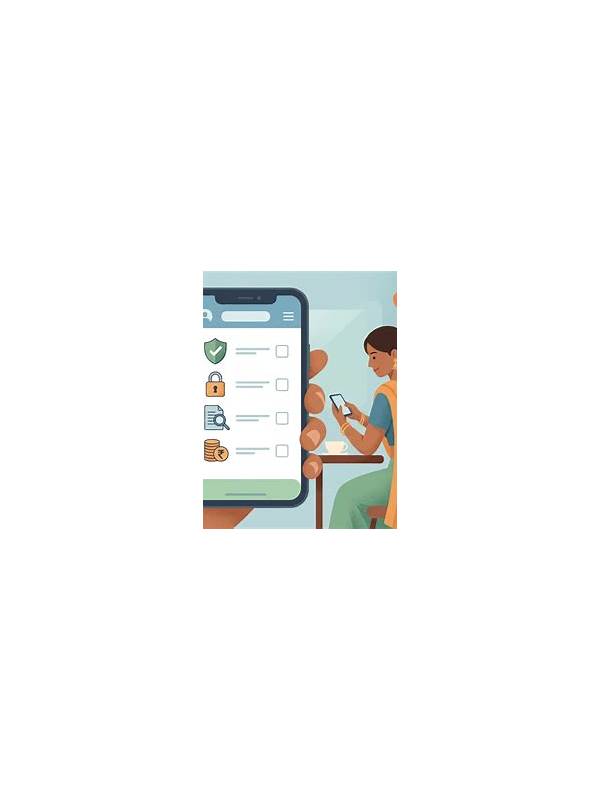
An app’s installation screen is also a safety checkpoint. Before installing a rummy app, read the permissions it requests and ask whether each one supports a clear feature. A game may need network access to connect to a table, but requests for unrelated contacts, messages, or accessibility control deserve careful examination.
Use the official store listing or a trusted distribution source where possible. Check the developer name, recent reviews, update history, and support details. Similar names and copied icons can make an unofficial app look familiar. Do not treat a large download count as proof of legitimacy, because popularity does not explain who operates the software or how it handles data.
After installation, open the device settings and review permissions individually. Deny access that is not required for the feature you intend to use. If the app refuses to work without unrelated access, pause rather than granting everything automatically. Take a screenshot of the permission page for your own records if you need to compare changes after an update.
Never enter payment details or identity documents into an app whose publisher, privacy policy, or support path is unclear. A game should explain why it collects information, how long it keeps it, and how you can request help. Use a unique password and enable device security. Do not store payment information in a new app until you have established that it is trustworthy.
Watch for warning signs after installation: unexpected pop-ups outside the app, battery use that seems excessive, requests that appear after an update, or messages urging you to disable security settings. Uninstalling is reasonable if the behavior does not match the stated purpose. Change passwords from a trusted device if you entered credentials before noticing a problem.
Permission checking is quick, repeatable, and more useful than relying on a familiar logo. The safest installation is one where the source is clear, the requested access is proportionate, and you can remove the app without losing control of your account or personal information. Apply the same caution to messages about withdrawals, bonuses, or account problems. Open the service through its known address, check the notice inside the account, and contact support through the published channel. Never pay a separate release fee or send a one-time code to unlock money. Urgency is a communication tactic, not evidence that a request is legitimate. For app security, consider the whole chain rather than one permission. An official source can still deliver an app that later changes behavior, so review updates and settings periodically. Keep the operating system current, use a screen lock, and avoid installing unknown certificates or profiles at an app’s request. If you are uncertain, stop and seek help from an official support channel instead of accepting a prompt merely to continue playing.