How to Reset Your Rummy Layout After Every Draw
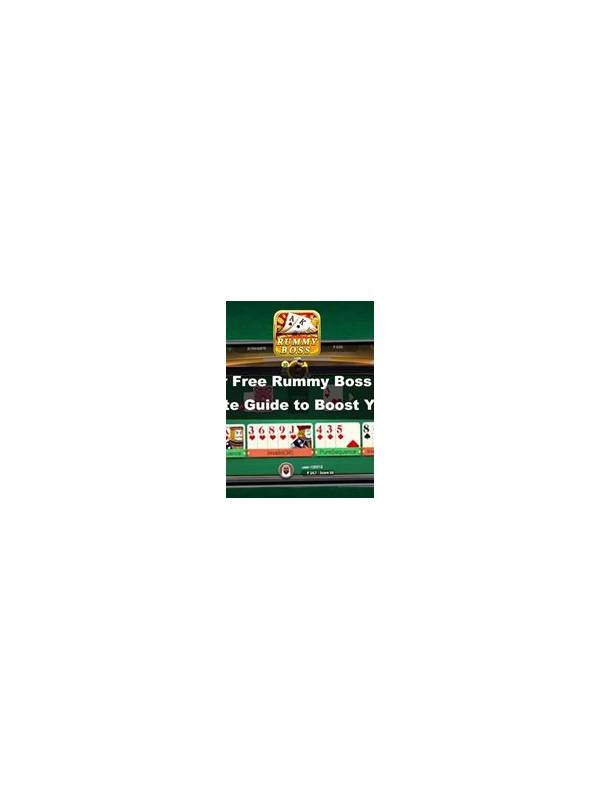
A hand can become difficult to read after several draws because useful cards and temporary ideas get mixed together. A reset routine gives every new card a short inspection before you rebuild groups. The purpose is not to make the layout beautiful. It is to prevent an old assumption from controlling a new decision.
Begin by placing the newly drawn card in a temporary position. Do not immediately slide it into the first group that seems to fit. Ask whether it completes a valid group, improves an existing route, or merely creates another possibility. This pause is valuable because a card can look attractive beside two neighbors while still leaving your overall hand less flexible.
After the inspection, divide the hand into three zones. The first zone contains confirmed groups that already satisfy your interpretation of the rules. The second contains promising combinations that need one card or a different arrangement. The third contains loose cards with no current job. Keep the zones visually distinct, even if the app offers automatic sorting, so that uncertainty remains visible.
Now compare the new card with every zone. If it strengthens a confirmed group, check whether moving it would damage another group. If it helps a developing combination, identify the exact missing requirement. If it belongs in the loose zone, do not force it into a story just because it shares a rank or suit with one card. Accurate rejection is also progress.
Finish the reset by naming one discard candidate. This candidate is not automatically the card you will release; it is simply the card with the weakest current role. Check its point cost, whether it could support a likely route, and whether releasing it would expose an unnecessary pattern. Then make the discard according to the table rules and your risk tolerance.
Practice this routine in low-pressure hands until it feels brief. The full reset should take only a few breaths: isolate the new card, classify the hand, test the card, and identify a release. If you need much longer, simplify the zones rather than adding more labels. A clear layout is useful because it supports reasoning, not because it creates the appearance of control.
If the interface rearranges cards automatically, pause after the automatic sort and recreate your three zones mentally or with available controls. Convenience is helpful, but it should not hide which cards are certain and which are only possibilities.