Rummy Safety Guide: Check App Permissions Before Playing
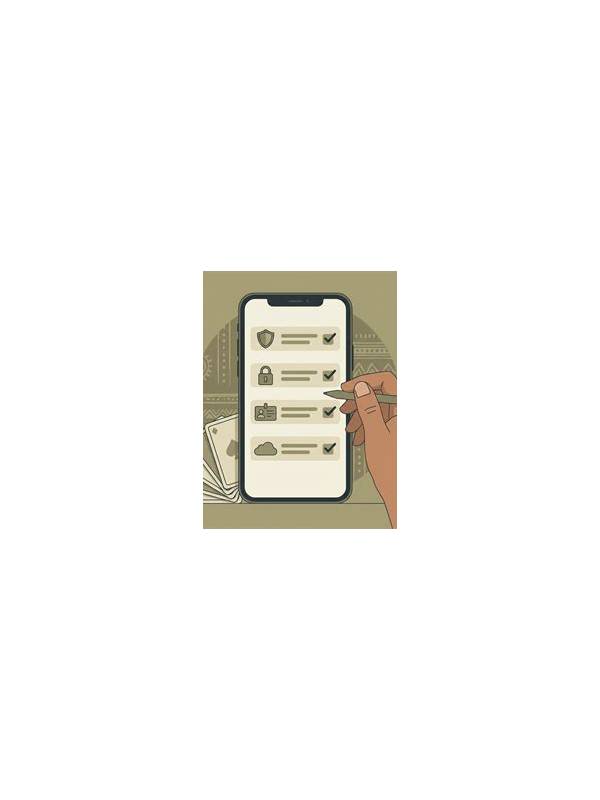
An app’s name and graphics do not tell you what it can access on a phone. Before using any rummy app, review its requested permissions and ask whether each one is necessary for the feature you intend to use. This small check is especially important when an app is installed from a source outside the official store.
Start with the installation source. Prefer the developer’s verified distribution channel or an official store listing, and compare the publisher name, support address, and update history. A familiar logo is not proof of authenticity because copied branding is easy to create. If a download page pressures you to disable security warnings, pause and verify the source independently.
After installation, open the operating system’s app-permission screen. A game may reasonably need network access and notifications if you choose to receive them. Requests for contacts, microphone, precise location, or broad file access deserve a clear explanation. Some features may need media access for an avatar or screenshot, but that does not automatically justify continuous access to unrelated files. Deny optional permissions until a real feature requires them.
Check the permission status again after updates. Updates can change an app’s behavior or request new access. If a permission appears unexpectedly, read the release notes and the app’s privacy information from a trusted source. Do not rely only on a pop-up explanation inside the app. You can revoke access later, although revocation may disable a feature.
Protect account information separately. Use a unique password, enable available two-step verification, and avoid entering payment details into a page reached from an unsolicited message. Support staff should not need your password, one-time code, or full card credentials. If a message asks for those items, close it and use the support route listed in the verified app or website.
Finally, remove apps you no longer use and review their retained permissions. Keep the phone’s operating system and security tools current, and avoid playing through public devices where accounts may remain signed in. Permission review cannot guarantee safety, but it reduces unnecessary exposure and gives you a clear reason for every access request. Good privacy habits make the playing experience easier to trust. Also review the app’s privacy policy and data controls in plain language. Look for information about account data, analytics, advertising, retention, and deletion requests. A policy cannot prove that a service is trustworthy, but missing or copied information is a reason to slow down. Never install a modified package offered as a shortcut to bonuses, unlimited funds, or special access; those promises often create more risk than value.