Rummy Safety: Verify Notifications Before Tapping
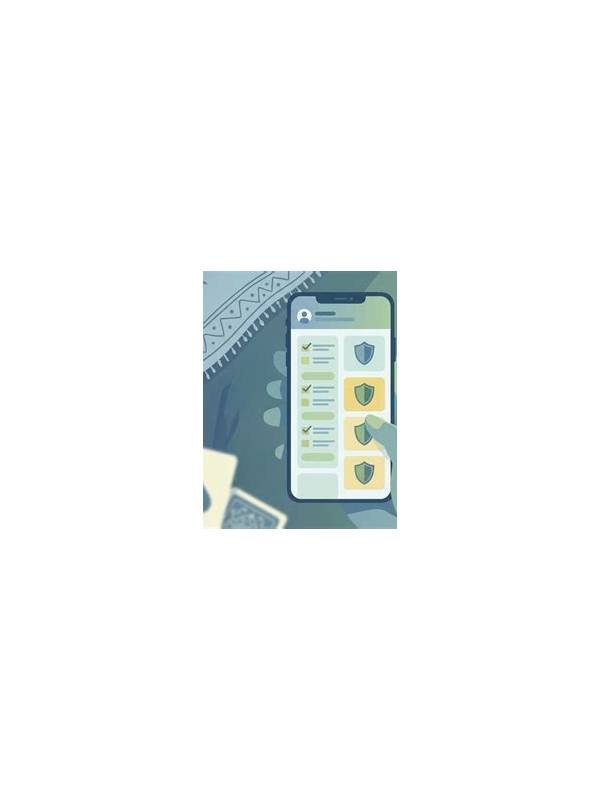
Notifications compete with the table for attention. A banner may announce a turn, a promotion, a message, an update, or a security event. Tapping the wrong one can interrupt a hand, open an untrusted page, or expose information while your focus is elsewhere. A short verification habit keeps convenience from becoming a security risk.
Read the source before the content. Check whether the notification comes from the installed app, the device operating system, or a browser. A message that uses familiar branding is not automatically genuine. Look for the application name, spelling, and whether the alert appears in the expected notification area rather than inside an unrelated webpage.
Do not respond to urgent requests for passwords, one-time codes, card numbers, or remote access. Legitimate support processes should not require you to reveal a secret in a chat reply. Open the app directly from its known icon and use its help section if you need to investigate an account alert. Avoid following shortened links or attachments from unknown senders.
Before tapping a notification during a hand, note the table state. If a turn is active, finish the required action only after checking the interface. A banner can cover a button or make a control appear selected when it is not. If the message is not urgent, dismiss it and return to the table; review it during a planned break.
Review notification permissions in device settings. Allow only the alerts that genuinely help you, such as turn reminders, and disable promotional or lock-screen previews if they reveal account or session details. On a shared or public device, previews can expose balances, usernames, or private messages to people nearby.
Keep the operating system and app updated through official channels. An update prompt that appears outside the normal store or app settings deserves extra caution. Verify the developer name and download source, and never install an unknown package merely because a notification claims it is required immediately.
The safest notification routine is simple: identify the source, assess urgency, avoid sharing secrets, and open the service through a trusted path. These steps take little time, reduce distraction, and help separate a genuine table signal from a message designed to rush you.
Consider a separate focus mode for planned sessions. It can silence nonessential alerts while allowing only the reminders you understand. Tell close contacts how to reach you for a genuine emergency, and review missed alerts after the hand. A quiet screen improves concentration and makes unusual notifications easier to notice when they do appear.